
You get a spam or phishing complaint about a site you host. You need to reply fast, look professional, and avoid making promises you cannot keep. These email templates give you a consistent way to acknowledge, investigate, and resolve the issue, with timelines and escalation paths built in.
What should a spam complaint acknowledgement email include?
A good acknowledgement email does three things: it confirms you received the complaint, states when the customer can expect an update, and sets expectations about what happens next. Keep it short and factual. Do not admit fault or speculate about the cause.
Template: Initial acknowledgement
Subject: We have received your spam complaint about [domain]
Dear [Customer Name],
Thank you for reporting the issue with [domain]. We take spam and phishing complaints seriously and have opened a case with reference [Ticket ID].
Our team will investigate and aim to provide an initial assessment within [X] business hours. If we need more information from you, we will contact you at this email address.
Please do not reply to this email with additional details unless requested; instead, use the ticket system at [link] to add information to case [Ticket ID].
Kind regards,
[Your Name]
[Your Company]
How do you investigate a spam or phishing complaint?
Investigation steps vary by complaint type, but the goal is to determine whether the site violates your acceptable use policy (AUP). Document each step in the ticket so you have a clear record.
Template: Investigation update
Subject: Update on your spam complaint about [domain] – case [Ticket ID]
Dear [Customer Name],
We are writing to update you on case [Ticket ID]. Our investigation is ongoing. We have [briefly describe actions taken, e.g., reviewed server logs, contacted the site owner, checked blacklist status].
We expect to complete our investigation by [date/time]. We will inform you of the outcome as soon as possible.
If you have additional evidence that could help, please add it to the ticket.
Kind regards,
[Your Name]
[Your Company]
What should a resolution email say?
The resolution email must clearly state what you found and what action you took (or did not take). If the complaint was valid, explain the remediation steps. If not, explain why no action was taken. Always include information about escalation if the customer is not satisfied.
Template: Resolution – action taken
Subject: Resolution of your spam complaint about [domain] – case [Ticket ID]
Dear [Customer Name],
We have completed our investigation of case [Ticket ID]. We found that [domain] was [describe violation, e.g., sending unsolicited email]. In accordance with our acceptable use policy, we have [action taken, e.g., suspended the account, required the customer to remove the offending content].
We have also [additional steps, e.g., reported the incident to relevant authorities, added the domain to our monitoring list].
If you believe this issue is not fully resolved, you may escalate this case by replying with "ESCALATE" in the subject line. Your case will then be reviewed by a senior manager.
Kind regards,
[Your Name]
[Your Company]
Template: Resolution – no action taken
Subject: Outcome of your spam complaint about [domain] – case [Ticket ID]
Dear [Customer Name],
We have completed our investigation of case [Ticket ID]. After reviewing the evidence, we did not find a violation of our acceptable use policy. [Briefly explain why, e.g., the site does not send email, the content is not unsolicited].
If you have additional evidence, please add it to the ticket. If you disagree with this outcome, you may escalate by replying with "ESCALATE" in the subject line.
Kind regards,
[Your Name]
[Your Company]
What timeline should you promise?
Set realistic timelines based on your team size and complaint volume. For small hosts, a common approach is:
- Acknowledgement: within 1 business day.
- Initial assessment: within 3 business days.
- Full resolution: within 10 business days.
Adjust these based on your capacity. The key is to communicate delays proactively. If you cannot meet a deadline, send an update before it passes.
How should escalation work?
Define at least two levels of escalation. Level 1 is the support agent handling the ticket. Level 2 is a senior manager or the business owner. For serious cases (e.g., repeated complaints, legal threats), escalate immediately to Level 2.
When a customer escalates, acknowledge within 4 business hours and provide a new timeline for review. Document the escalation in the ticket.
Template: Escalation acknowledgement
Subject: Escalation received – case [Ticket ID]
Dear [Customer Name],
We have received your escalation request for case [Ticket ID]. A senior manager will review the case and respond within [X] business hours. We appreciate your patience.
Kind regards,
[Your Name]
[Your Company]
What about phishing complaints?
Phishing complaints require faster action because they can lead to data theft or reputational damage. Treat them as urgent: acknowledge within 4 hours and aim to resolve within 24 hours. If the site is confirmed phishing, suspend it immediately and preserve evidence for law enforcement.
Use the same templates but adjust the timelines and emphasize urgency in the acknowledgement.
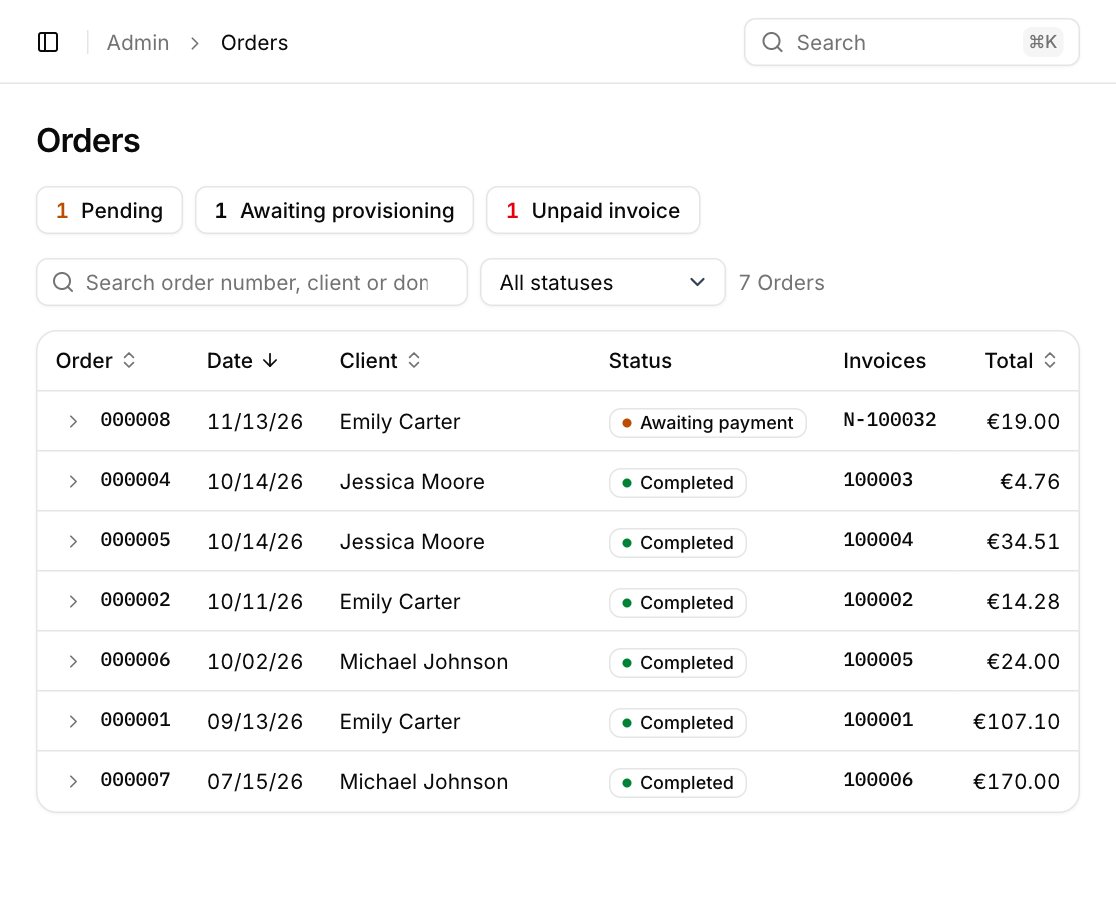
For hosts using a billing and provisioning platform, you can store these templates in your support system and trigger them automatically from tickets. Teculiar’s support module lets you create canned responses and tie them to ticket statuses, so your team sends consistent messages without retyping.
What to do next
- Adapt these templates to your brand voice and AUP.
- Define your own timelines and escalation contacts.
- Store the templates in your helpdesk or billing system.
- Train your support team on when to use each template.
Start by reviewing your current complaint process and identifying gaps in communication.